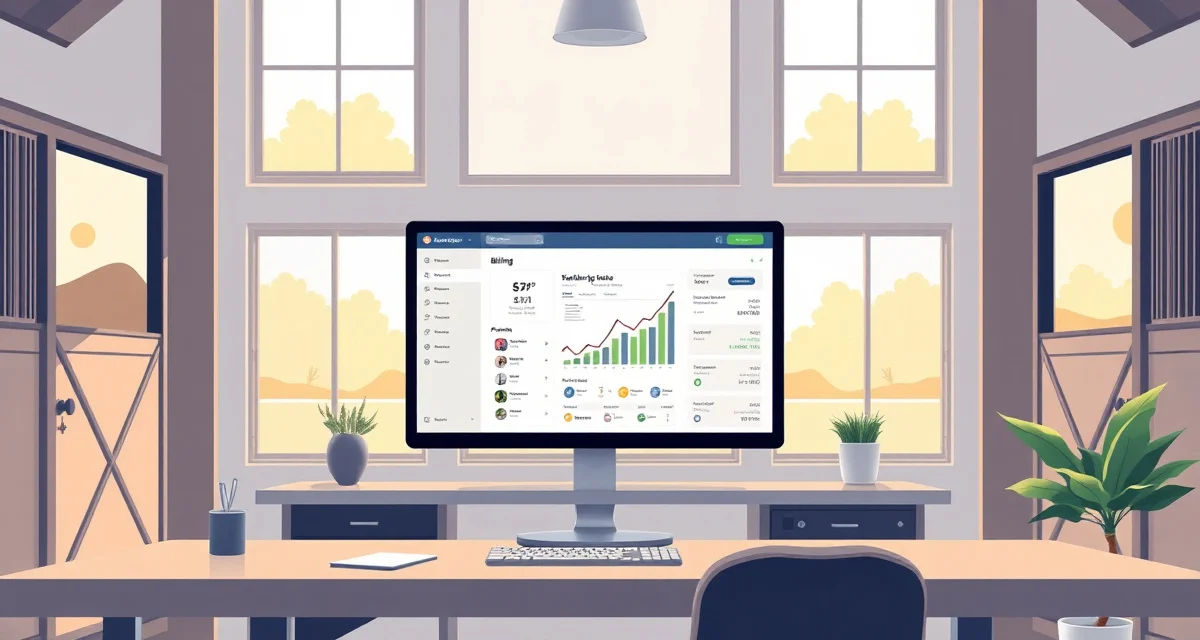
Setting Up Automated Recurring Billing for Your Barn
Billing is the part of barn management that most facility operators least enjoy. Generating invoices manually, chasing payments, tracking which horses have which add-on charges: it takes time every month and is easy to do inconsistently. Automated billing solves most of this by removing the manual steps that create errors and delays.
What Automated Barn Billing Actually Does
Automated billing doesn't mean you set it once and never think about it again. It means the system handles the repetitive, predictable tasks: generating monthly board invoices, calculating recurring charges, sending payment reminders, and recording payments. You still handle exceptions, new charge setups, and client communication. But the routine monthly cycle runs without requiring your manual attention for every invoice.
At its core, an automated barn billing system does four things:
- Calculates recurring charges for each horse based on their service profile
- Generates invoices on a schedule
- Sends invoices and reminders to clients
- Records payments and tracks outstanding balances
Setting Up Recurring Charges
Before automated billing works, you need to set up each horse's recurring charge profile. This includes:
Base board rate: Monthly stall board, pasture board, or whatever your primary service is. Each horse should be assigned to the correct rate.
Add-on charges: Anything beyond base board: blanketing fees, supplement fees, stall cleaning upgrades, extra turnout, holding fees for farrier or vet visits. These should be assigned to each horse individually based on what services they actually receive.
One-time or temporary charges: Some charges don't recur: a stall deposit when a new horse arrives, a single vet call-out fee, a lesson package purchase. These need to be added as line items to the relevant invoice without being set as recurring.
Proration for partial months: New horses arriving mid-month and horses leaving mid-month create proration situations. Your system should calculate partial month charges automatically based on the arrival or departure date, rather than requiring you to manually figure out the daily rate.
Invoice Timing and Due Dates
Decide on your billing cycle before you set it up and communicate it clearly to clients. Common approaches:
Invoice on the 1st, due on the 15th: Gives clients two weeks to pay. Works well for clients who pay by check or bank transfer and need time to process.
Invoice on the 25th for the following month, due on the 1st: Invoices arrive before the service period starts. Clients who want to pay ahead of the month appreciate this.
Invoice on the 1st, due on the 1st (net 0): Payment expected immediately. Used by some facilities with established client relationships and ACH autopay setups.
Whatever you choose, apply it consistently to everyone. A billing policy that has different due dates for different clients creates confusion and is harder to enforce.
Automated Payment Reminders
Automated reminders reduce late payments without requiring you to personally follow up on every overdue invoice. A standard reminder sequence:
- 5 days before due date: "Your invoice is due on [date]"
- On the due date if unpaid: "Your payment of $[amount] is due today"
- 3 days after due date: "Your account is past due. Please remit payment."
- 7 to 10 days after due date: "Your account is [X] days past due. Please contact us."
BarnBeacon can automate this reminder sequence so you're not manually checking who's paid and sending individual follow-up messages. The system sends the reminders; you handle the escalation on accounts that remain unpaid after the automated sequence.
Tracking Add-On Charges In Real Time
The most common billing error at boarding barns is missing add-on charges because they weren't logged at the time they occurred. Blanketing that started in October but wasn't billed until January. A holding fee for a farrier visit that got forgotten. These small gaps add up to real revenue loss over time.
The solution is to log charges at the time they occur, not during end-of-month billing reconciliation. When a staff member puts a blanket on a horse for the first time, that triggers a blanketing fee. When you hold a horse for the farrier, that gets logged the same day. At month end, the invoice is already complete; you're just reviewing and sending it.
Payment Collection Methods
Automated billing works best when clients pay by ACH bank transfer or credit card on file. Paper checks require manual handling and don't benefit from automation. Consider:
- ACH autopay: Client authorizes a recurring bank transfer. Payment processes automatically on the due date. Lowest transaction cost (typically $0.25 to $1.00 per transaction).
- Credit card on file: Client stores a card and authorizes recurring charges. Higher transaction fees (2.5 to 3.5 percent) but very reliable.
- Check: Requires manual receipt and recording. Appropriate for clients who prefer this, but doesn't benefit from automation.
Set a preference for ACH or card payment and make it easy. Most clients will use whatever is easiest, and easy electronic payment reduces late payments significantly.
FAQ
What is Setting Up Automated Recurring Billing for Your Barn?
Automated recurring billing for your barn is a system that replaces manual invoicing with scheduled, automatic charge generation. Instead of creating each board invoice by hand, the software calculates recurring charges per horse, generates invoices on a set date, sends them to clients, and tracks payments. You configure each horse's service profile once, and the monthly billing cycle runs without requiring your intervention for every single invoice.
How much does Setting Up Automated Recurring Billing for Your Barn cost?
Most barn billing software ranges from $30 to $150 per month depending on the number of horses and features included. Some platforms charge a flat monthly fee; others take a small percentage of processed payments. Entry-level tools suit smaller operations, while larger facilities may need higher tiers with advanced reporting. Many providers offer free trials, so you can test before committing to a plan.
How does Setting Up Automated Recurring Billing for Your Barn work?
You set up a recurring charge profile for each horse that includes their base board rate and any add-on services. On a scheduled billing date, the system calculates each client's total, generates an invoice, and sends it automatically via email. Clients pay online, and the payment is recorded against their balance. Reminders go out for unpaid invoices without you having to follow up manually.
What are the benefits of Setting Up Automated Recurring Billing for Your Barn?
The main benefits are time savings, consistency, and fewer missed charges. Billing runs on schedule regardless of how busy you are. Clients receive invoices and reminders automatically, which reduces late payments. Add-on charges tied to each horse's profile are calculated accurately every month. You spend less time on administrative tasks and more time managing your facility and horses.
Who needs Setting Up Automated Recurring Billing for Your Barn?
Any barn operator managing recurring board agreements benefits from automated billing. It's especially valuable for facilities with five or more horses, multiple service tiers, or frequent add-on charges like farrier coordination, supplements, or blanketing. If you currently spend several hours each month generating invoices, chasing payments, or reconciling accounts, automated billing directly addresses those pain points.
How long does Setting Up Automated Recurring Billing for Your Barn take?
Initial setup typically takes two to four hours depending on how many horses and charge types you manage. You'll spend most of that time entering each horse's recurring service profile and configuring your billing schedule. Once configured, ongoing maintenance is minimal—mainly updating profiles when services change. Most barn management platforms include onboarding guides or support to help you get set up correctly the first time.
What should I look for when choosing Setting Up Automated Recurring Billing for Your Barn?
Look for software that handles per-horse charge profiles, flexible billing schedules, and automatic payment reminders. Online payment acceptance is essential so clients can pay without mailing checks. Reporting that shows outstanding balances and payment history saves time at month end. Integration with your existing barn management tools is a bonus. Prioritize platforms built specifically for equine facilities, as they understand add-on charges and board structures better than generic invoicing tools.
Is Setting Up Automated Recurring Billing for Your Barn worth it?
For most barns with consistent monthly boarders, yes. The time saved on manual invoicing and payment chasing typically exceeds the software cost within the first month. More importantly, billing becomes consistent—charges don't get missed, reminders go out on time, and records stay accurate. If billing irregularities have cost you revenue or strained client relationships, automated recurring billing pays for itself quickly in recovered time and reduced errors.