Role-Based Permission Controls for Barn Staff
Role-based permission controls define what each staff member can see and do within your barn management software. They're the practical mechanism for enforcing appropriate access levels across your team.
This page covers how role controls work in BarnBeacon and how to configure them for your specific barn structure.
How Role Controls Work
In BarnBeacon, every staff account is assigned to a role. The role defines the default permissions for that type of user. Individual accounts can be adjusted from the role defaults if specific situations require it.
This approach means you don't have to configure 15 individual accounts from scratch. You configure four or five roles that represent your barn's typical staff structure, then assign new staff members to the appropriate role when you add them.
Standard Roles and Their Typical Access
Administrator. Full access to all BarnBeacon features. Manages billing, client accounts, horse records, staff accounts, and system settings. This is the barn owner or primary manager role.
Barn Manager. Can view and edit horse records, log care events, manage the schedule, and oversee staff assignments. Billing visibility is typically included; ability to modify billing settings may be restricted. Can access all operational features needed to run daily barn operations.
Groom/Staff. Sees their assigned horses' care tasks and feeding instructions. Can log care completion. Cannot view billing information or other clients' records. Limited to the operational view relevant to their daily work.
Trainer/Instructor. Access to lesson and training horse records, session logging, and lesson scheduling. Relevant client contact information for students. Billing access limited to their own training accounts if applicable.
Office Administrator. Billing and client account access. Can create invoices, record payments, and manage client communications. Limited need for operational care log access.
Configuring Role Permissions
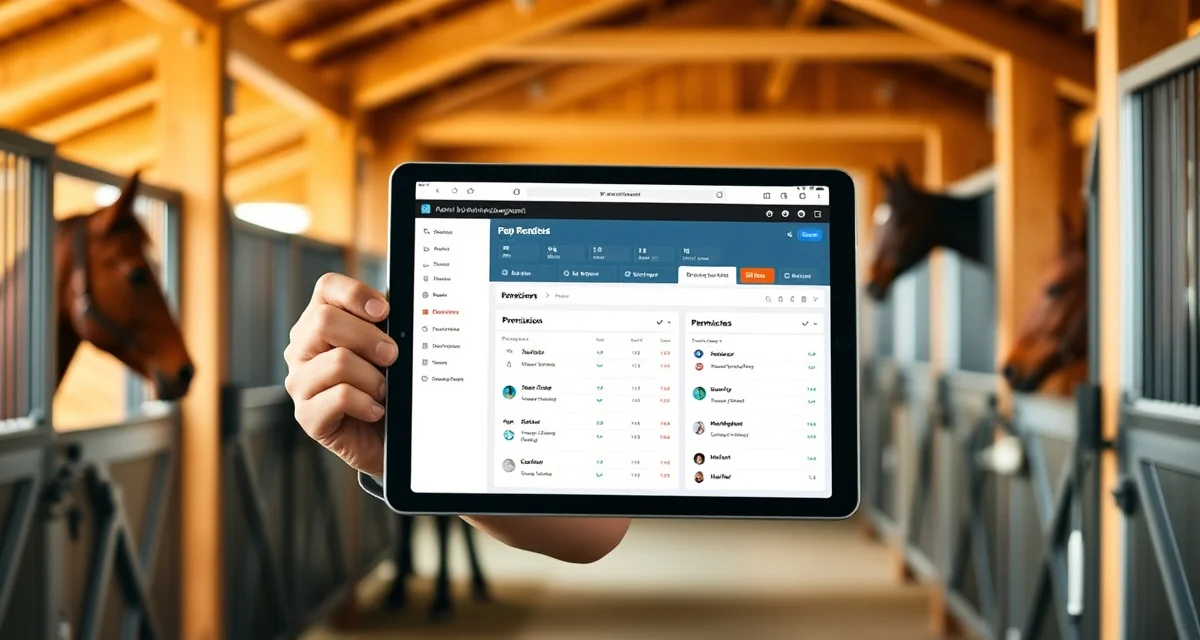
Within BarnBeacon's settings, each role has a permissions matrix. You can turn specific capabilities on or off for each role:
- View billing information (on/off per role)
- Edit billing settings (on/off)
- Access client contact information (on/off)
- Log care events (on/off)
- Edit horse medical records (on/off)
- Manage staff schedules (on/off)
- Access financial reports (on/off)
- Send client messages (on/off)
Changes to a role's permissions apply to all accounts assigned to that role. Individual account overrides can be set for specific exceptions without changing the role-wide settings.
Managing Temporary and Seasonal Staff
For temporary staff or working students, create accounts with the most restricted role appropriate to their work. A working student doing morning chores needs access to their assigned horses' task lists and nothing else.
When temporary staff leave, deactivate their account immediately. Deactivated accounts retain their logged history (which you may need for billing records) but can no longer log in or access the system.
If you use working student management structures, BarnBeacon's permissions can be configured to give working students appropriate access to their own tasks without access to business-sensitive information.
Audit Trails and Accountability
One value of role-based permissions that's easy to overlook is the accountability it creates. Because each action in BarnBeacon is logged under a specific user account, you can see who did what and when. If a charge was logged incorrectly, you can see who logged it. If a care task was marked complete at an unusual time, you can see who checked it off.
This audit trail is useful for training, for resolving discrepancies, and occasionally for addressing performance issues. It only functions properly when each staff member has their own account rather than sharing credentials.
Related Permission Topics
For a broader overview of how permissions fit into barn management, see staff permissions in barn management. For the overall staff management framework, see staff management and staff access permissions.
FAQ
What is Role-Based Permission Controls for Barn Staff?
Role-based permission controls for barn staff are system settings that define what each team member can see and do within your barn management software. Instead of configuring every account individually, you create roles like Administrator, Barn Manager, and Groom, then assign staff to the appropriate role. Each role carries preset access levels that match job responsibilities, keeping sensitive data protected while ensuring staff can complete their daily tasks without friction.
How much does Role-Based Permission Controls for Barn Staff cost?
Role-based permission controls are typically included as a core feature within barn management software like BarnBeacon rather than sold separately. Pricing depends on the platform subscription tier you choose. Most barn management platforms offer tiered plans where advanced permission customization may be available on higher tiers. Contact BarnBeacon directly for current pricing details, as plan structures and included features can vary based on barn size and operational needs.
How does Role-Based Permission Controls for Barn Staff work?
In BarnBeacon, every staff account is assigned a role that defines its default access. When a new team member joins, you assign them to an existing role rather than building permissions from scratch. The role automatically applies appropriate access levels for viewing horse records, logging care events, managing schedules, or handling billing. Individual accounts can be fine-tuned from role defaults when specific situations require it, giving you both efficiency and flexibility.
What are the benefits of Role-Based Permission Controls for Barn Staff?
Role-based permission controls reduce administrative overhead, protect sensitive client and financial data, and minimize errors caused by unauthorized changes. They create accountability by ensuring staff only access what they need for their job. New hires can be onboarded quickly by assigning a role rather than configuring each permission manually. They also support compliance and trust, giving barn owners confidence that billing details and client records aren't visible to every staff member.
Who needs Role-Based Permission Controls for Barn Staff?
Any barn or equine facility with more than one staff member benefits from role-based permission controls. They're especially valuable for operations with mixed teams including owners, barn managers, grooms, and part-time helpers. Facilities that handle client horses, process payments, or manage sensitive health records need clear access boundaries. Solo operators planning to grow their team should also implement role structures early to avoid permission chaos as headcount increases.
How long does Role-Based Permission Controls for Barn Staff take?
Initial role configuration in BarnBeacon typically takes under an hour for a standard barn structure. Setting up four or five core roles and assigning existing staff accounts is straightforward. Ongoing management is minimal — adding a new staff member usually takes just a few minutes once roles are defined. More complex customization, such as adjusting individual account permissions beyond role defaults or restructuring roles for a growing operation, may require additional planning time.
What should I look for when choosing Role-Based Permission Controls for Barn Staff?
Look for a system that offers predefined role templates aligned to common barn positions alongside the ability to customize individual account permissions when needed. Granular control over specific features — such as separating billing visibility from billing editing — is important. Audit trails showing who accessed or changed records add accountability. Choose a platform where role assignment is simple enough that non-technical barn owners can manage it without ongoing IT support.
Is Role-Based Permission Controls for Barn Staff worth it?
Yes, role-based permission controls are worth implementing for any barn running staff through a digital management platform. They protect client data, reduce liability from accidental or unauthorized changes, and make onboarding new staff significantly faster. The time saved by configuring roles once rather than managing permissions per account compounds quickly as your team grows. For facilities handling client horses and payments, the accountability and security alone justify the setup effort.