Boarder Portal: Giving Horse Owners Self-Service Access to Their Horse's Information
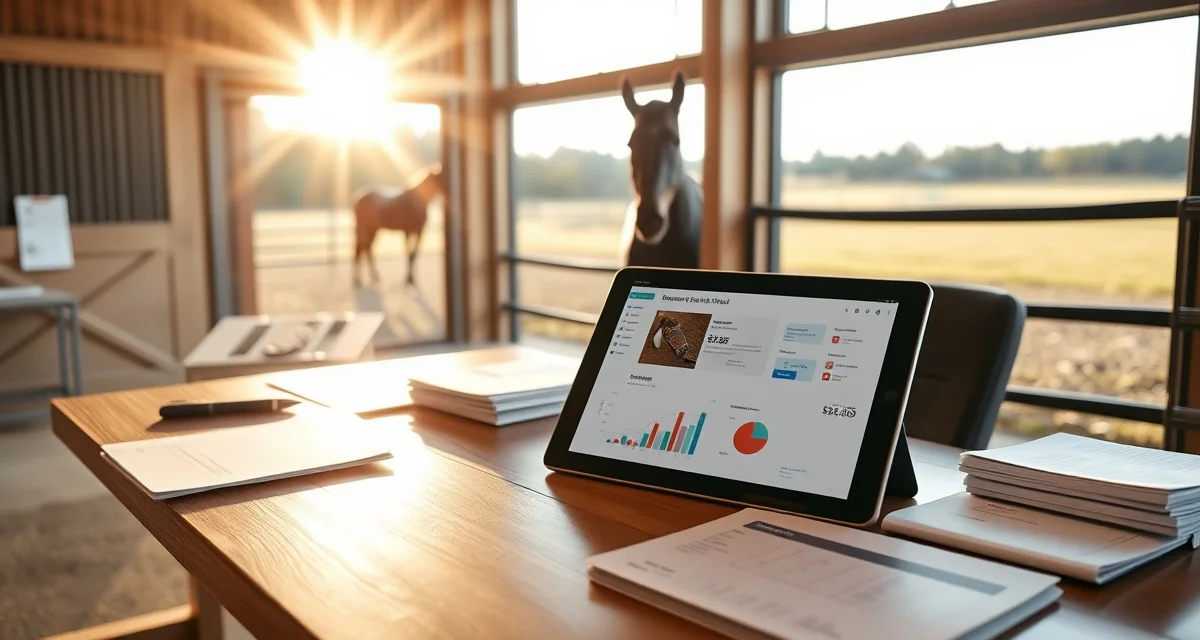
A boarder portal is an owner-facing interface where boarding barn clients can access their horse's care records, billing statements, and scheduled appointments. Done well, it reduces inbound communication to the barn manager, improves client satisfaction, and builds transparency that keeps boarders confident in your facility even between visits.
What Owners Want From a Boarder Portal
Horse owners board their horses because they trust someone else to provide consistent care. Most of the phone calls barn managers receive from boarders are driven by information gaps: "Is my horse okay?" "Did she eat today?" "When is the farrier coming?" "What do I owe this month?"
A functional boarder portal answers all of these questions without requiring anyone to pick up a phone:
Daily care log: A timestamped record of each horse's daily care activities including feeding, water, turnout, and any observations from staff. When an owner can see that their horse was checked at 6 AM, fed at 6:30 AM, and turned out at 8 AM, the baseline anxiety of not knowing drops significantly.
Health records access: Current Coggins certificate status, vaccination dates, and any recent vet or farrier visits logged in the system. Owners appreciate being able to confirm their horse's health paperwork is current without having to request copies.
Billing and invoices: Current invoice, payment history, and outstanding balance. When owners can view and pay their invoice through the portal, it reduces paper, check handling, and the friction of the payment process.
Upcoming appointments: Scheduled farrier visits, vet appointments, and any other events the owner should be aware of. When an appointment reminder comes through the portal, the owner can prepare without requiring a phone call from the barn.
What a Boarder Portal Should NOT Include
The owner's portal should be scoped carefully. Owners should not have access to:
- Other boarders' horse records or account information
- Internal staff notes that contain operational commentary
- Staff schedules and payroll information
- Full administrative access to barn records
The portal is a client-facing interface, not an internal management tool.
Launching Your Boarder Portal
When you launch a new portal for existing boarders, send a brief communication explaining what they can access and how to log in. Include a short video or screenshot walkthrough if possible. Address the most common questions: "What can I see?" and "Is this replacing the phone/text updates?"
Make clear that the portal supplements your existing communication, it doesn't replace it. For emergencies and health concerns, you'll still reach out directly. The portal gives them access to routine information on their own schedule.
Impact on Communication Volume
Most barns that implement a boarder portal see a measurable reduction in routine inbound communication within the first 30 to 60 days. Owners who previously called twice a week to check in shift to self-serving through the portal. This reclaims significant barn manager time without reducing the quality of the client relationship.
For the full owner communication strategy that the portal supports, see barn owner communication. For billing setup, see boarding billing management.
FAQ
What is Boarder Portal: Giving Horse Owners Self-Service Access to Their Horse's Information?
A boarder portal is an owner-facing digital interface that gives horse boarding clients self-service access to their horse's care records, health documents, billing statements, and scheduled appointments. Rather than calling the barn to check on their horse or confirm what they owe, owners log in and find everything in one place. BarnBeacon's boarder portal is built specifically for equine facilities, connecting barn staff activity directly to what owners see in real time.
How much does Boarder Portal: Giving Horse Owners Self-Service Access to Their Horse's Information cost?
Boarder portal access is included as part of BarnBeacon's barn management software subscription. There is no separate per-owner fee to give clients portal access. Pricing is based on the barn's subscription tier, which covers the full platform including staff tools, scheduling, billing, and the owner-facing portal. Contact BarnBeacon for current pricing based on your facility size and feature needs.
How does Boarder Portal: Giving Horse Owners Self-Service Access to Their Horse's Information work?
When barn staff log daily care activities, health visits, or billing charges in BarnBeacon, that information is automatically reflected in each horse owner's portal. Owners log in through a secure web or mobile interface to view their horse's care log, upcoming appointments, health records, and invoices. The portal pulls live data from the barn's records, so owners always see current information without any manual updates from the barn manager.
What are the benefits of Boarder Portal: Giving Horse Owners Self-Service Access to Their Horse's Information?
A boarder portal reduces the volume of routine phone calls and texts barn managers receive by giving owners direct access to the information they're asking about. It improves client satisfaction by building transparency around daily care, health records, and billing. Owners feel more confident in the facility between visits, which strengthens retention. For barn managers, fewer interruptions means more time focused on horse care rather than fielding repetitive status updates.
Who needs Boarder Portal: Giving Horse Owners Self-Service Access to Their Horse's Information?
Any boarding barn that regularly fields calls or messages from owners asking about their horse's feeding, health status, upcoming appointments, or invoices would benefit from a boarder portal. It's especially valuable for larger facilities managing multiple boarders where communication volume becomes a real operational burden. It also suits barns that want to compete on professionalism and transparency, giving clients a modern experience that builds long-term trust and loyalty.
How long does Boarder Portal: Giving Horse Owners Self-Service Access to Their Horse's Information take?
Setup time varies by barn size and how much existing data needs to be imported, but most barns can have a functional boarder portal live within a few days of onboarding with BarnBeacon. Once configured, the portal runs automatically — there's no ongoing manual effort to update it. Owners receive login credentials and can access their horse's information immediately. The time investment is front-loaded in setup, with ongoing time savings replacing it.
What should I look for when choosing Boarder Portal: Giving Horse Owners Self-Service Access to Their Horse's Information?
Look for a portal that displays real-time care logs with timestamps, not just summary reports. Health record access, including Coggins and vaccination status, should be included. Billing visibility with the ability to view and pay invoices is essential. The interface should be mobile-friendly since most owners will check on their horse from their phone. Also confirm the portal is tied directly to your barn management system so data stays accurate without requiring double entry.
Is Boarder Portal: Giving Horse Owners Self-Service Access to Their Horse's Information worth it?
Yes, for any boarding barn managing more than a handful of clients, a boarder portal pays for itself quickly in time saved and boarder retention. Barn managers report significant reductions in routine communication once owners can self-serve basic information. Beyond efficiency, the transparency a portal provides is a genuine differentiator — owners who feel informed are more likely to stay long-term and refer others. For professional facilities, it's become a standard expectation rather than an optional feature.