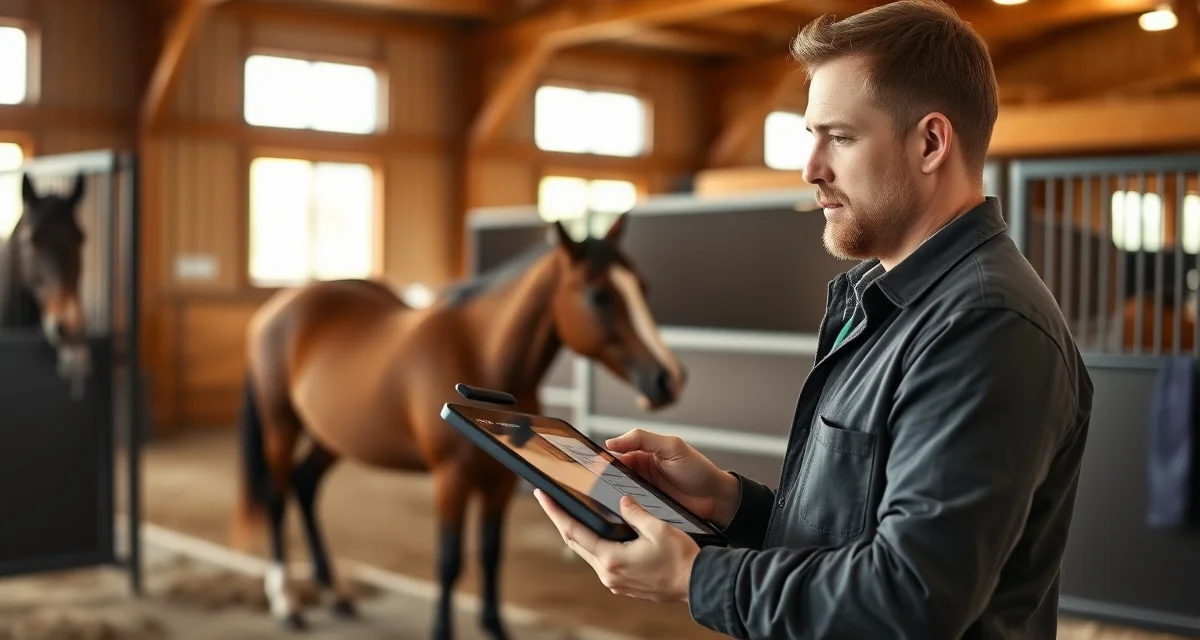
Cutting Barn Owner Communication: Reporting and Updates
Cutting barn owner communication runs on a different clock than most equine disciplines. Owners are often remote investors tracking horses they may see only a few times a year, and they expect detailed, consistent updates on training progress, pen work, and show results. Generic barn management software rarely accounts for this dynamic.
TL;DR
- Incident reports filed within 24 hours of an event carry significantly more weight than ones completed days later
- A signed liability waiver does not eliminate negligence claims; documented protocols and completed checklists do
- Insurance requirements at equine facilities vary by state; most carriers require annual safety inspections as a policy condition
- Staff training records are part of your legal defense if a staff action is questioned after an incident
- Photo documentation of a horse's condition at arrival and at regular intervals creates a baseline for any future dispute
- Safety inspection checklists completed and filed on a fixed schedule demonstrate due diligence in facility management
Cutting disciplines have unique owner communication patterns not covered by generic barn software, which means barn managers often fall back on scattered texts, emails, and phone calls. That creates gaps, missed updates, and frustrated owners. This guide walks through a practical system for fixing that.
Why Cutting Barn Reporting Is Different
Most horse owners visit their horses regularly. Cutting horse owners often don't. They're investing significant money in a horse they trust a trainer to develop, and their primary window into that horse's progress is whatever communication the barn provides.
That means your reporting needs to cover more ground: pen work quality, cattle exposure, show pen performance, physical condition, and any behavioral changes. A single weekly text doesn't cut it.
Step-by-Step: Building a Cutting Barn Owner Communication System
Step 1: Define Your Reporting Categories
Before you build any template or tool, decide what you're actually going to report on. For cutting barns, that typically includes:
- Training progress: Where the horse is in its development, what's working, what needs work
- Cattle work: Quality of cattle used, how the horse is reading and rating
- Physical condition: Weight, soundness, coat, any soreness or stiffness
- Show results: Scores, go-rounds, placings, and honest assessments of performance
- Incidents: Injuries, illness, behavioral issues, farrier or vet visits
Defining these categories upfront means every owner gets consistent information, not just whatever you remembered to mention.
Step 2: Set a Communication Cadence
Owners need to know when to expect updates, not just that updates will come eventually. A reliable cadence builds trust faster than any single impressive report.
A workable structure for most cutting barns:
- Weekly: Short training update (3-5 sentences, video if possible)
- Post-show: Full show report within 48 hours of returning home
- As-needed: Incident reports for health events, injuries, or significant behavioral changes
- Monthly: Summary report covering the full month's progress and upcoming schedule
Stick to the schedule even when there's nothing dramatic to report. "Had a solid week in the pen, working on rating cattle, horse is eating and moving well" is a complete update.
Step 3: Create Standardized Templates
Templates save time and ensure you don't skip categories under pressure. Build a simple template for each report type.
A basic weekly update template:
> Horse: [Name]
> Date: [Week of]
> Training focus this week: [2-3 sentences]
> Cattle work: [Quality, observations]
> Physical condition: [Weight, soundness, anything notable]
> Upcoming: [Next show, clinic, or training milestone]
> Media: [Attach video or photos if available]
A post-show report should add: entry class, score or placing, judge, honest assessment of what the horse did well and where it needs work.
Step 4: Use an Owner Portal Instead of Direct Messaging
Texting and emailing individual owners works when you have two or three horses in training. It breaks down fast at scale. An owner communication portal centralizes all updates, keeps a searchable history, and lets owners check in on their own schedule without interrupting yours.
Portals also create accountability. When an owner asks "what happened on March 14th," you have a record. That matters when disputes arise over health events or show decisions.
Step 5: Adapt Your Portal to Cutting-Specific Workflows
This is where most generic software falls short. A portal built for a boarding barn doesn't have fields for show pen scores, cattle work notes, or NCHA points tracking. You end up either forcing your data into the wrong categories or maintaining a separate spreadsheet.
BarnBeacon's owner portal adapts to cutting barn workflows, letting you log discipline-specific data points alongside standard health and care records. Owners see a unified view of their horse's progress rather than piecing together information from multiple sources. You can explore how this fits into broader cutting barn operations planning.
Step 6: Handle Incident Reports Promptly and Specifically
Nothing damages owner trust faster than finding out about an injury or health event after the fact. Establish a clear rule: any incident that requires a vet call, changes the horse's training schedule, or involves a fall or significant behavioral event gets reported to the owner within the same business day.
An incident reporting should include:
- What happened and when
- What you observed (symptoms, behavior, circumstances)
- What action you took immediately
- Who you contacted (vet, farrier, etc.) and what they said
- Current status and next steps
- Any impact on training or show schedule
Specificity matters here. "Horse was a little off" is not an incident report. "Horse showed mild left front lameness after Tuesday's pen work, vet examined Wednesday morning, diagnosed mild soft tissue inflammation, recommending 5 days of light work and Bute" is.
Step 7: Include Video as a Standard Practice
Cutting horse owners respond to video more than almost any other update format. A 60-second clip of a horse working cattle tells an owner more than three paragraphs of text.
Make video a standard part of your weekly update, not an occasional bonus. It doesn't need to be edited or polished. A phone clip from the rail during a training session is enough. Owners who can see their horse working are more engaged, more patient with the development process, and more likely to refer other owners to your barn.
Common Mistakes in Cutting Barn Owner Communication
Waiting for something notable to report. Silence reads as neglect. Send the update even when the week was uneventful.
Using jargon without explanation. Not every owner knows what "rating cattle" or "working the fence" means. Write for the owner's level of knowledge, not yours.
Burying bad news. If a horse had a rough show or is struggling with a training concept, say so directly. Owners who find out later that problems were minimized lose trust permanently.
No paper trail. Verbal updates and text threads disappear. Every significant communication should live somewhere searchable and permanent.
Inconsistent formats. When every update looks different, owners can't quickly find the information they need. Templates solve this.
FAQ
How do I communicate with cutting horse owners?
Set a defined cadence: weekly training updates, post-show reports within 48 hours, and same-day incident reports for health or injury events. Use an owner portal to centralize all communication rather than managing individual texts and emails. Templates for each report type keep your updates consistent and complete.
What do cutting owners want to know about their horses?
Cutting horse owners primarily want to know about training progress, cattle work quality, show results with honest assessments, physical condition, and any health or soundness issues. Because many cutting owners are remote investors who rarely visit, they rely heavily on detailed written updates and video to stay connected to their horse's development.
What owner portal features matter for cutting barns?
Look for a portal that supports discipline-specific data fields like show pen scores, cattle work notes, and NCHA points tracking alongside standard health and care records. Video upload capability, a searchable update history, and customizable report templates are essential. Most generic barn software lacks these cutting-specific features, which forces managers to maintain separate systems.
How does BarnBeacon compare to spreadsheets for barn management?
Spreadsheets require manual updates, lack real-time notifications, and create version control problems when multiple staff members are working from different files. BarnBeacon centralizes records, pushes alerts automatically based on logged events, and connects care records to billing and owner communication in one system. Most facilities report saving several hours per week after switching from spreadsheets.
What is the setup process like for BarnBeacon?
Most facilities complete the initial setup in under a week. Horse profiles, service templates, and billing configurations can be imported from existing records or entered directly. BarnBeacon's US-based support team is available to assist with setup, and most managers are running their first billing cycle through the platform within days of starting.
Can BarnBeacon support a barn with multiple staff members?
Yes. BarnBeacon supports multiple user accounts with role-based access, so barn managers, barn staff, and owners each see the information relevant to their role. Task assignments, completion logs, and communication history are all attached to the barn's account rather than to individual staff phones or email addresses.
What is Cutting Barn Owner Communication: Reporting and Updates?
Cutting Barn Owner Communication: Reporting and Updates is a guide for cutting barn managers on how to keep remote horse owners consistently informed. It covers best practices for timely incident reporting, photo documentation, training updates, and pen work summaries. Because cutting horse owners are often investors who rarely visit in person, the guide emphasizes structured, documented communication over informal texts or calls—helping barns build trust, reduce liability exposure, and meet insurance requirements.
How much does Cutting Barn Owner Communication: Reporting and Updates cost?
BarnBeacon's barn management platform offers plans designed for equine facilities of various sizes. Pricing depends on the number of horses, staff, and features needed. For current pricing on the reporting and communication tools suited to cutting barns—including owner update logs, incident reports, and inspection checklists—visit BarnBeacon.com or contact their team directly for a quote tailored to your operation.
Sources
- American Association of Equine Practitioners (AAEP)
- National Cutting Horse Association (NCHA)
- American Competitive Trail Horse Association (ACTHA)
- American Horse Council
- UC Davis Center for Equine Health
Get Started with BarnBeacon
Good documentation is the foundation of every well-run cutting horse facility. BarnBeacon gives managers the digital record-keeping, task logging, and audit trail tools to run operations that hold up to inspection, comply with regulations, and protect the facility in any dispute. Start a free trial and see how your documentation changes when it runs through a purpose-built equine management platform.