Implementing an Owner Payment Portal
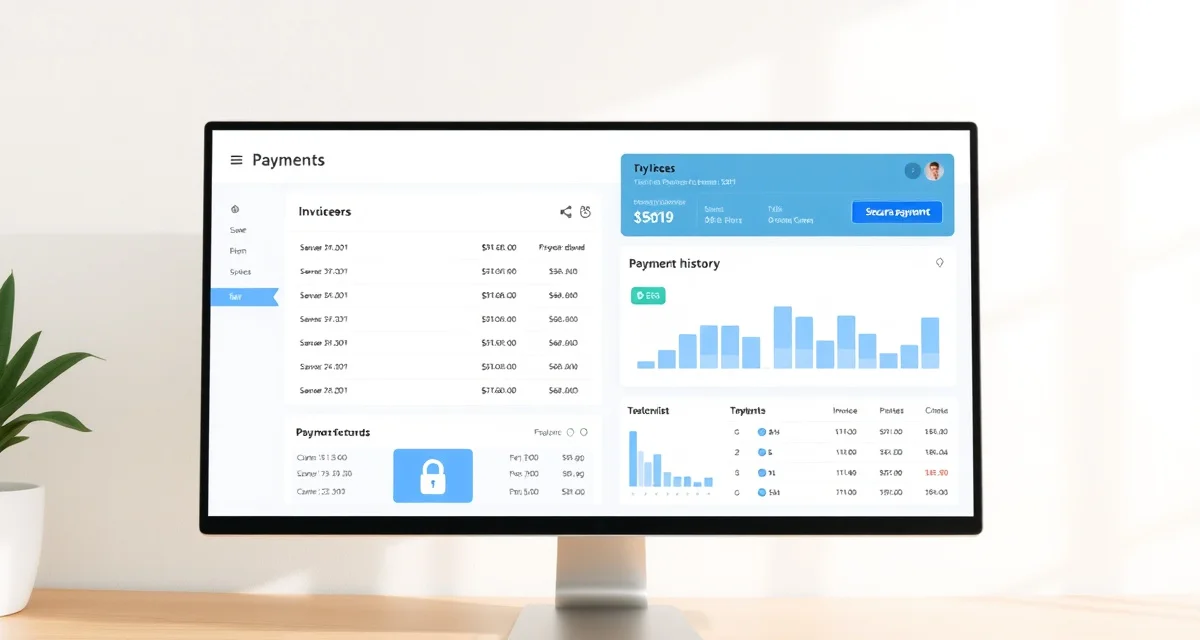
An owner payment portal is a dedicated online interface where boarding clients can view invoices, see payment history, and make or schedule payments. For a barn manager, it replaces a significant amount of manual billing work and the uncomfortable conversations that come from chasing late payments. For owners, it provides transparency and convenience.
Setting one up correctly takes some initial effort, but the operational payoff is immediate and ongoing.
What a Payment Portal Does
A payment portal puts billing information directly in the client's hands. Rather than waiting for a paper invoice to arrive or an email to be forwarded, owners can log in at any time and see what they owe, what they've paid, and what charges make up their bill.
The other critical function is payment collection. A portal with integrated payment processing allows owners to pay with a credit card, debit card, or bank transfer from wherever they are. For boarding operations where many clients don't visit the barn daily, this eliminates the friction of bringing a check or remembering to send payment by a deadline.
Combined with automated invoicing and payment reminders, a payment portal largely removes the barn manager from the payment collection process for clients who pay on time. Your time is freed for the horses, not for billing administration.
Core Features to Look For
Not all payment portals are equal. When evaluating options, look for these features:
Itemized invoice display: Clients should see individual line items with dates and descriptions, not just a total amount. This transparency prevents disputes and makes charges self-explanatory.
Payment history: Owners should be able to view past invoices and payments so they can verify their account status and download records for their own use.
Multiple payment methods: Accept at minimum credit and debit cards and ACH bank transfer. Bank transfer has lower processing fees for large payments and is preferred by many clients for recurring monthly bills.
Automatic recurring billing: Base board should be collected automatically on the due date each month. Clients set up their payment method once and don't need to actively pay each month.
Payment reminders: Automated reminders before the due date and after a missed payment handle the majority of collection issues without requiring personal outreach.
Mobile access: Many clients check their billing from a phone. The portal needs to be functional on mobile devices.
Integrating with Your Management System
The most important feature of a payment portal is its integration with the rest of your management records. When a farrier visit gets logged, that charge should flow automatically to the client's invoice. When a veterinary administration is documented, it should appear as a billable line item. When an invoice is generated, the client should receive a notification.
This integration eliminates the step where you manually transfer information from one system to another, which is where billing errors and omissions typically occur. BarnBeacon handles this by connecting care event logging, per-horse charge tracking, and owner billing in one system, so the invoice clients see in their payment portal reflects everything that was logged during the billing period.
Transitioning Your Clients
Moving existing clients to an online payment portal is straightforward if you approach it correctly. The key is framing the change as a benefit to them rather than a requirement. Emphasize the convenience of not writing checks, the ability to view their billing history, and the automatic receipts they'll receive.
Send a clear setup email with step-by-step instructions for creating their account and adding a payment method. Give clients two to three weeks before the first billing cycle through the new system. Offer to help anyone who has trouble with the setup.
Most clients adapt quickly. The small number who resist are usually comfortable once they've been through one or two billing cycles. The friction of transition is worth the operational benefit.
Handling Exceptions and Edge Cases
Some clients will want to pay by check regardless of what system you implement. You can accommodate this, but don't let exceptions undermine the efficiency of your main system. Log check payments into your portal manually so billing records stay accurate.
For clients on payment plans or with outstanding balances, the payment portal can be configured to reflect special arrangements. Make sure any manual adjustments are documented with notes so they're explainable to the client when they review their account.
For related guidance, see online boarding payments and payment tracking.
FAQ
What is Implementing an Owner Payment Portal?
An owner payment portal is a secure online interface where boarding clients can view invoices, track payment history, and submit payments from any device. For barn managers, it automates billing workflows and reduces time spent chasing payments. For horse owners, it provides full financial transparency without needing to call or visit the barn. It typically integrates with barn management software to sync charges, services, and account balances in real time.
How much does Implementing an Owner Payment Portal cost?
Costs vary depending on the barn management platform you choose. Some software bundles portal access into a monthly subscription ranging from $50 to $200 per month, while others charge per transaction or per active client. Payment processing fees typically run 2–3% per card transaction. When weighing cost, factor in time saved on manual invoicing and late payment follow-ups, which often offset the expense significantly for barns with ten or more boarding clients.
How does Implementing an Owner Payment Portal work?
When a charge is created in your barn management system, it automatically populates on the owner's portal account. Owners receive an email or app notification, log in to review the invoice, and pay via credit card, debit card, or ACH bank transfer. Payments post to your account and update the client's balance automatically. Automated reminders can be scheduled to go out before and after due dates, reducing the need for manual follow-up.
What are the benefits of Implementing an Owner Payment Portal?
The main benefits are time savings, faster payment collection, and reduced friction with clients. Barn managers spend less time on billing administration and uncomfortable payment conversations. Owners appreciate the transparency and convenience of paying on their schedule. Automated invoicing and reminders mean fewer missed payments. Digitized records also simplify end-of-year reporting and make it easier to resolve billing disputes with a clear, timestamped transaction history.
Who needs Implementing an Owner Payment Portal?
Any barn offering boarding services with recurring monthly charges benefits from a payment portal. It is especially valuable for operations with ten or more clients, barns where owners don't visit daily, and managers handling billing without dedicated administrative staff. Lesson programs and training facilities with variable invoicing also benefit, since the portal gives clients a clear breakdown of charges rather than a single unexplained total.
How long does Implementing an Owner Payment Portal take?
Initial setup typically takes one to three days. Most of that time involves configuring your client list, connecting a payment processor, and customizing invoice templates. Migrating existing billing history, if needed, can add time. Once live, onboarding individual clients is quick — most owners activate their accounts within a few days of receiving an invitation link. Ongoing management requires minimal time since billing and reminders are largely automated after the initial configuration.
What should I look for when choosing Implementing an Owner Payment Portal?
Look for seamless integration with your existing barn management software so charges sync automatically without double entry. Prioritize platforms with secure, PCI-compliant payment processing and support for multiple payment methods. Client-facing usability matters — owners should be able to log in and pay without confusion. Automated reminders, customizable invoice templates, and clear reporting dashboards are important for the manager side. Responsive customer support and transparent pricing with no hidden transaction fees are also key considerations.
Is Implementing an Owner Payment Portal worth it?
For most boarding operations, yes. The time saved on manual invoicing, payment tracking, and follow-up conversations typically pays for the software cost within the first month. Clients who can pay conveniently online tend to pay faster and more consistently. The added transparency also reduces disputes and builds trust. If your barn is still relying on checks, paper invoices, or chasing payments by text message, a payment portal is one of the highest-return operational upgrades available.