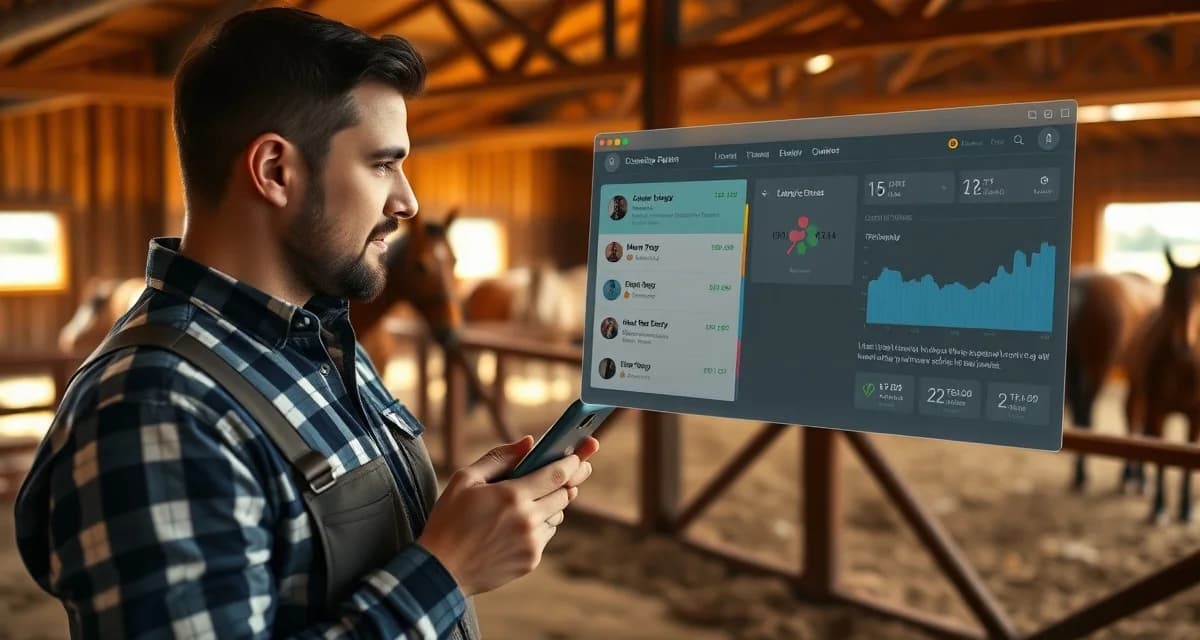
Trail Riding Barn Owner Communication: Updates and Best Practices
Trail riding barn owner communication follows patterns that generic barn management software almost never accounts for. Unlike arena disciplines with scheduled shows and predictable calendars, trail riding involves dynamic conditions: weather changes, trail closures, varying ride durations, and terrain-specific health considerations that owners need to know about fast.
TL;DR
- Effective competition updates trail riding owners at equine facilities relies on consistent written protocols accessible to all staff.
- Digital records reduce errors and create the documentation needed during emergencies, audits, and client disputes.
- Owner visibility into their horse's daily care reduces communication friction and improves retention.
- Centralizing billing, health records, and scheduling in one platform outperforms managing separate tools.
- Staff adoption of digital tools improves when interfaces are mobile-friendly and task-based.
- BarnBeacon supports all core barn management functions from a single platform built for equine facilities.
If you manage a trail riding barn, you already know that a one-size-fits-all update template doesn't cut it. This guide walks you through exactly how to structure your owner communication, what to include, and which tools actually support the way trail barns operate.
Why Trail Riding Barns Have Unique Communication Needs
Trail riding creates communication scenarios that other disciplines don't. A horse that spent six hours on rocky terrain needs a different post-ride report than one that completed a 45-minute arena lesson. Owners want to know about footing conditions, hydration, any lameness observations, and whether the horse handled elevation changes well.
Generic barn software typically offers a basic "daily note" field. That's not enough when you're managing horses across multiple trail systems, varying ride lengths, and seasonal access restrictions. Trail riding barn operations require a communication framework built around these variables, not retrofitted from a dressage or hunter/jumper template.
Step 1: Map Out What Trail Riding Owners Actually Need to Know
Identify Your Core Update Categories
Before you build any communication system, list the specific information your owners care about. For trail riding barns, this typically includes:
- Ride completion and duration (date, trail name, approximate mileage)
- Horse condition post-ride (energy level, any soreness, hydration status)
- Footing and terrain notes (rocky, muddy, steep sections encountered)
- Tack and equipment observations (saddle fit issues, boot wear)
- Upcoming trail access changes (seasonal closures, permit requirements)
Write these down before you touch any software. Your communication system should reflect this list, not the other way around.
Segment Your Owners by Involvement Level
Some trail riding owners want a brief weekly summary. Others want a notification every time their horse goes out. Segment your owner list into two or three groups based on their stated preferences, then build separate communication cadences for each group.
This segmentation saves you time and reduces the "why didn't you tell me?" conversations that eat into your day.
Step 2: Choose the Right Communication Channels
Text and Push Notifications for Time-Sensitive Updates
Trail conditions change fast. If a trail closes due to flooding or fire risk, owners need to know before they drive two hours to the barn. Text messages and push notifications through an owner portal are the right channel for anything time-sensitive.
Reserve email for longer updates: monthly summaries, health records, farrier schedules, and billing.
An Owner Portal for Ongoing Transparency
A dedicated owner communication portal gives owners 24/7 access to their horse's records without requiring you to answer individual texts at 9pm. Owners can check ride logs, health notes, and upcoming schedule changes on their own time.
The key is choosing a portal that lets you customize the fields you fill out. Trail riding barns need fields for trail name, mileage, terrain type, and post-ride condition. A portal that only offers a generic "notes" box forces you to cram structured information into unstructured space, which makes records harder to search and harder for owners to read.
Step 3: Build Your Update Templates
Post-Ride Update Template
Create a standard post-ride message template you can fill in quickly after each outing. Keep it under 150 words. Here's a working structure:
> Horse: [Name]
> Date: [Date]
> Trail: [Trail name and system]
> Duration/Mileage: [X hours / X miles]
> Condition: [Energy level, any soreness, hydration notes]
> Terrain notes: [Footing type, notable sections]
> Next scheduled ride: [Date or TBD]
> Action items: [None / Farrier check recommended / Monitor left front]
This takes under three minutes to complete and gives owners exactly what they want to know.
Weekly Summary Template
For owners who prefer a weekly digest, batch your post-ride notes into a single message sent on the same day each week. Sunday evening works well for most trail barns. Include a brief weather and trail access outlook for the coming week so owners can plan their own visits.
Step 4: Set Up Your Communication Schedule
Daily vs. Weekly Cadence
Not every horse goes out every day. Build your communication schedule around actual ride frequency, not a calendar-based default. If a horse rides three times a week, send three post-ride updates and one weekly summary. Don't send daily check-ins for horses that aren't active.
Owners notice when they receive generic "no activity today" messages. It signals that your system is running on autopilot rather than reflecting their horse's actual situation.
Proactive Trail Condition Alerts
Designate one person at your barn to monitor trail conditions and send alerts when access changes. This should happen before owners ask, not after. A simple weekly trail status update, sent Monday morning, sets expectations for the week and reduces inbound questions significantly.
Step 5: Use Software That Fits Trail Riding Workflows
Most barn management platforms are built around arena disciplines. They handle show schedules, lesson bookings, and arena footing well. Trail riding barn operations require different data fields, different reporting structures, and communication tools that reflect how trail barns actually run.
BarnBeacon's owner portal adapts to trail riding barn workflows specifically. You can configure custom fields for trail-specific data, set up automated post-ride notifications, and give owners a clean view of their horse's history without manual report generation. The platform supports the kind of trail riding barn operations that generic software treats as edge cases.
When evaluating any software for trail riding owner communication, check whether you can customize the data fields in owner-facing reports. If the answer is no, the tool will create more workarounds than it solves.
Common Mistakes in Trail Riding Owner Communication
Sending updates too late. Post-ride updates sent 48 hours after a ride feel like an afterthought. Owners want to know their horse came back from a long trail day in good shape. Same-day updates build trust; delayed ones create anxiety.
Using generic templates. A post-ride note that says "horse did well today" tells an owner almost nothing. Trail riding owners want specifics: which trail, how long, what the footing was like, and whether anything unusual came up.
Ignoring trail access changes. Owners plan their visits around trail availability. If you know a trail system is closing for the season and you don't communicate that proactively, you'll spend the next two weeks fielding individual questions.
Over-communicating low-value information. Sending daily updates when a horse only rides twice a week trains owners to ignore your messages. Match your communication frequency to actual activity.
Related Articles
- 4-H Horse Barn Owner Communication: Updates and Best Practices
- Endurance Barn Owner Communication: Updates and Best Practices
FAQ
How do I communicate with trail riding horse owners?
Use a combination of an owner portal for ongoing records access and direct text or push notifications for time-sensitive updates. Build post-ride templates specific to trail riding, including trail name, mileage, terrain notes, and horse condition. Consistency matters more than volume: owners who receive reliable, structured updates after each ride trust your barn more and ask fewer individual questions.
What do trail riding owners want to know about their horses?
Trail riding owners prioritize post-ride condition reports, including energy level, any soreness or lameness observations, and hydration status. They also want to know which trails were ridden, approximate duration and mileage, and any tack or equipment observations. Proactive communication about upcoming trail access changes and seasonal closures is also highly valued, since it directly affects their ability to plan visits and rides.
What owner portal features matter for trail riding barns?
Look for customizable data fields that let you capture trail-specific information rather than forcing everything into a generic notes box. Push notification support for time-sensitive trail condition alerts is essential. A clean, mobile-friendly owner view matters because many trail riding owners check updates from their phones. Finally, look for ride history logging that lets owners review their horse's activity over time, not just the most recent update.
What is the most common mistake barn managers make with record-keeping?
The most common record-keeping mistake is logging health events, billing items, and care tasks after the fact from memory rather than at the time they occur. Delayed logging introduces errors, omissions, and disputes that are difficult to resolve because the original record does not exist. Moving to real-time digital logging, from any device, is the single most impactful record-keeping improvement available to most facilities.
How does barn management software save time at a multi-horse facility?
The largest time savings come from eliminating manual tasks that recur at high frequency: sending owner updates, generating monthly invoices, tracking care task completion across shifts, and scheduling recurring appointments. At a facility with 25 or more horses, these tasks can consume several hours per day when done manually. Automating the routine layer returns that time without reducing quality of communication or care.
What is Trail Riding Barn Owner Communication: Updates and Best Practices?
Trail Riding Barn Owner Communication: Updates and Best Practices is a guide for barn managers who need structured protocols for keeping horse owners informed. Unlike arena-based disciplines, trail riding involves unpredictable variables like weather, trail closures, and terrain-related health concerns. This resource covers what to include in owner updates, how to standardize communication across staff, and how digital tools like BarnBeacon can centralize health records, billing, and scheduling to reduce friction and improve client retention.
How much does Trail Riding Barn Owner Communication: Updates and Best Practices cost?
Trail Riding Barn Owner Communication: Updates and Best Practices is a free educational resource available on BarnBeacon's website. BarnBeacon itself offers paid subscription plans for equine facility management, with pricing based on barn size and feature needs. The communication frameworks and best practices outlined in this guide can be implemented independently or enhanced through BarnBeacon's platform, which consolidates owner updates, health records, and scheduling into a single system designed specifically for equine facilities.
How does Trail Riding Barn Owner Communication: Updates and Best Practices work?
Trail Riding Barn Owner Communication: Updates and Best Practices works by giving barn managers a repeatable framework for owner updates tailored to trail riding's dynamic conditions. It covers structuring daily reports, documenting trail-specific health observations, and standardizing staff communication. When paired with BarnBeacon, the process is digitized: staff log updates via mobile-friendly interfaces, owners receive timely notifications, and all records are stored centrally for audits, emergencies, or billing disputes—replacing scattered tools with one connected platform.
Sources
- American Horse Council, equine industry economic impact and facility operations research
- American Association of Equine Practitioners (AAEP), equine health care and management guidelines
- University of Kentucky Equine Initiative, equine business management and industry resources
- Rutgers Equine Science Center, equine management research and extension publications
- The Horse magazine, published by Equine Network, equine facility management reporting
Get Started with BarnBeacon
BarnBeacon brings billing, health records, owner communication, and daily operations into one platform built for equine facilities, so the time you spend on administration goes back to the horses. Start a free 30-day trial with full access to every feature, or schedule a demo to see how it handles your specific facility type.