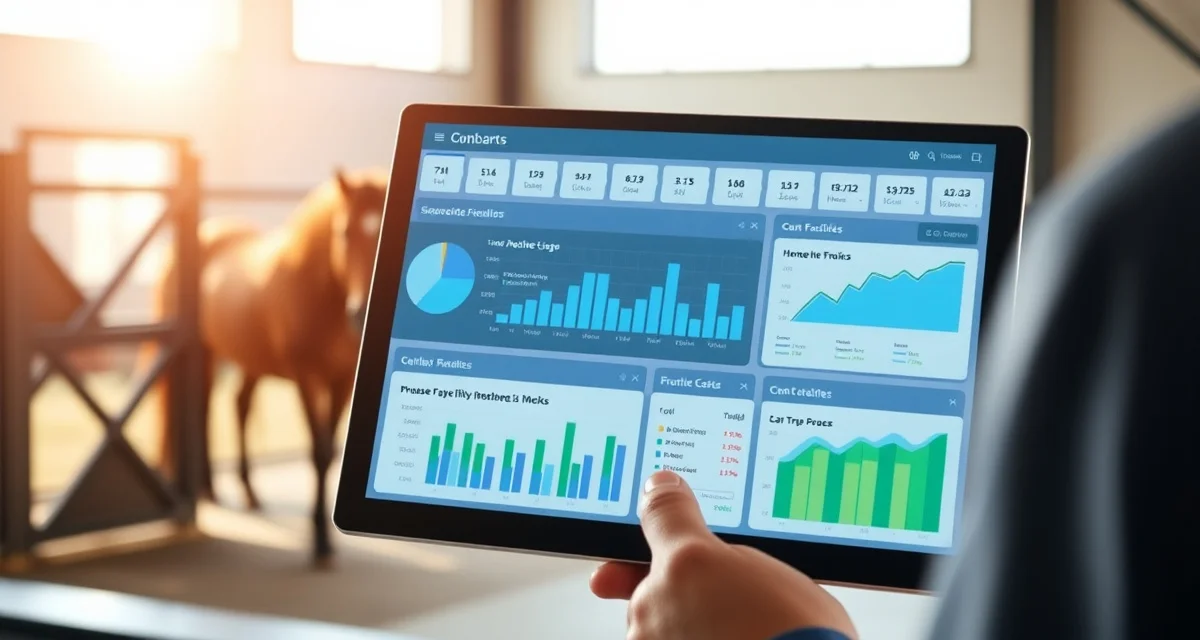
Equine Facility Software Evaluation Checklist
Shopping for barn management software is harder than it should be. Most platforms look similar on a demo, but the differences that matter show up months into daily use: the charge that did not transfer correctly, the reminder that never fired, the report you cannot run because the system does not track that field. This checklist is designed to help you evaluate software before you commit, not after.
Core Horse Management
- [ ] Can you store a complete health record for each horse, including vaccination history, deworming, dental, and farrier?
- [ ] Does the system track last service dates and calculate next-due dates for recurring health events?
- [ ] Can you set custom intervals per horse (not just a barn-wide default)?
- [ ] Is the horse record accessible to staff on mobile devices from within the barn?
- [ ] Can you attach documents (Coggins certificates, vet records, import papers) to individual horse records?
- [ ] Does the system support multiple horses per owner?
- [ ] Can you record and view feeding instructions per horse?
- [ ] Is there a field for medications with dose, frequency, and duration?
Billing and Invoicing
- [ ] Does the system track charges at the horse level, not just at the owner level?
- [ ] Can you create recurring monthly charges (board fees) that auto-populate invoices?
- [ ] Can you add one-time pass-through charges (farrier, vet) mid-month and have them appear on the next invoice?
- [ ] Does the system generate itemized invoices that owners can view?
- [ ] Is there an owner-facing payment portal for online payments?
- [ ] Does the system support multiple payment methods (ACH, credit card, etc.)?
- [ ] Can you set payment due dates and configure late fee rules?
- [ ] Can you generate reports on outstanding balances and payment history?
Scheduling and Reminders
- [ ] Does the system send automated reminders for upcoming health events (vaccines, farrier, dental)?
- [ ] Can you set reminder lead times (e.g., 2 weeks before due date)?
- [ ] Is there a calendar view for scheduled farrier, vet, and other appointments?
- [ ] Can you assign daily care tasks to specific staff members?
- [ ] Is there a way to confirm that daily tasks were completed?
- [ ] Can you manage lesson or training schedules within the same platform?
Owner Communication
- [ ] Is there an owner portal where clients can log in and view their horse's records and invoices?
- [ ] Can you send messages or notifications to owners through the platform?
- [ ] Can owners submit requests or update emergency contact information through the portal?
- [ ] Does the platform support photo or video sharing with owners?
Staff Management
- [ ] Can you control which staff roles see which information (e.g., billing details not visible to barn staff)?
- [ ] Is there a daily task or checklist feature for staff?
- [ ] Can the system support multiple user accounts at different permission levels?
Reporting
- [ ] Can you generate a revenue report by month?
- [ ] Can you see which owners have outstanding balances?
- [ ] Is there a report showing upcoming health due dates across the entire herd?
- [ ] Can you export data to CSV or PDF for use in other applications?
Implementation and Support
- [ ] Is there an onboarding process to help you import existing horse and owner data?
- [ ] Is customer support available by phone or live chat, not just email?
- [ ] Is there a knowledge base or training documentation?
- [ ] How frequently is the software updated, and is there a changelog?
- [ ] What is the pricing structure, and does it scale by horse count or flat rate?
- [ ] Is there a free trial or money-back guarantee?
Questions to Ask During a Demo
- Show me how a farrier charge gets added and appears on an owner's invoice.
- Walk me through what happens when a horse is overdue for a vaccination.
- How does an owner pay their invoice and what does that look like on my end?
- If I need to update the feeding instructions for one horse at 6am, how does that reach the staff doing the feeding?
- What happens to the data if I cancel my subscription?
BarnBeacon is built around the workflows above, covering horse records, billing, health reminders, owner communication, and staff task management in one platform. For more detail on how software fits into the broader management picture, see our equine software buyer's guide and equine facility management.
Use this checklist with every platform you evaluate. A system that cannot check most of these boxes is one that will require workarounds from day one.
FAQ
What is Equine Facility Software Evaluation Checklist?
An Equine Facility Software Evaluation Checklist is a structured guide that helps barn owners and managers assess horse management platforms before purchasing. It covers critical areas like health record tracking, billing accuracy, mobile access, staff scheduling, and reporting. Rather than relying on a polished demo, the checklist exposes the real-world gaps that only surface after months of daily use — missed reminders, billing errors, and missing data fields that can cost time and money.
How much does Equine Facility Software Evaluation Checklist cost?
The checklist itself is free to use. The cost question that matters is the software you choose after using it. Barn management platforms typically range from $50 to $300 or more per month depending on herd size and feature depth. Using a proper evaluation checklist before committing can save you from paying for a platform that does not fit your operation, or worse, switching systems after your data is already inside one.
How does Equine Facility Software Evaluation Checklist work?
You work through the checklist category by category — horse records, billing, scheduling, communication, and reporting — and test each item against any software you are evaluating. Request a trial or demo, then use the checklist as a script. Try to perform each function yourself rather than watching a sales rep do it. If the system cannot do something on the list, note it. Gaps that seem minor during a demo often become daily friction once you are running a full barn.
What are the benefits of Equine Facility Software Evaluation Checklist?
A structured evaluation checklist prevents costly mistakes by forcing you to test real workflows before you commit. It helps you compare platforms on the same criteria rather than being swayed by slick interfaces or strong sales pitches. Facilities that use a checklist are more likely to choose software that handles billing accurately, fires reminders reliably, and produces the reports they actually need. The result is less administrative rework, fewer missed charges, and better care coordination across horses and staff.
Who needs Equine Facility Software Evaluation Checklist?
Any barn owner, stable manager, or equine facility operator who is shopping for management software will benefit from this checklist. It is especially useful for facilities with multiple horses, multiple owners, or staff who need mobile access. Boarding barns, training facilities, breeding operations, and equestrian centers all have different workflows, and the checklist helps each type of operation identify whether a given platform actually supports how they run their barn day to day.
How long does Equine Facility Software Evaluation Checklist take?
Working through the checklist takes one to three hours per software platform you evaluate. The time investment upfront is small compared to the weeks or months it takes to migrate data and retrain staff after choosing the wrong system. Dedicate a separate session to each platform, use a trial account, and document your findings as you go. Most barn managers find that a thorough evaluation across two or three platforms takes a full day and saves significant headaches later.
What should I look for when choosing Equine Facility Software Evaluation Checklist?
Focus on the areas where errors hurt most: billing accuracy, health reminder logic, and reporting flexibility. Confirm the system tracks charges at the horse level, not just the owner level. Test whether custom intervals work per horse, not just barn-wide defaults. Ask how reports are exported and whether you can filter by the fields you actually use. Also evaluate mobile usability inside the barn, not just on a desktop, and check how responsive support is before you sign a contract.
Is Equine Facility Software Evaluation Checklist worth it?
Yes, if you are managing more than a handful of horses or billing multiple owners. The cost of choosing the wrong platform is not just the subscription fee — it is the missed charges, the health events that fall through the cracks, the staff time spent on workarounds, and the disruption of switching systems. A few hours spent on a structured evaluation before you commit can prevent months of operational friction and give you confidence that the software you choose will actually work the way your barn does.