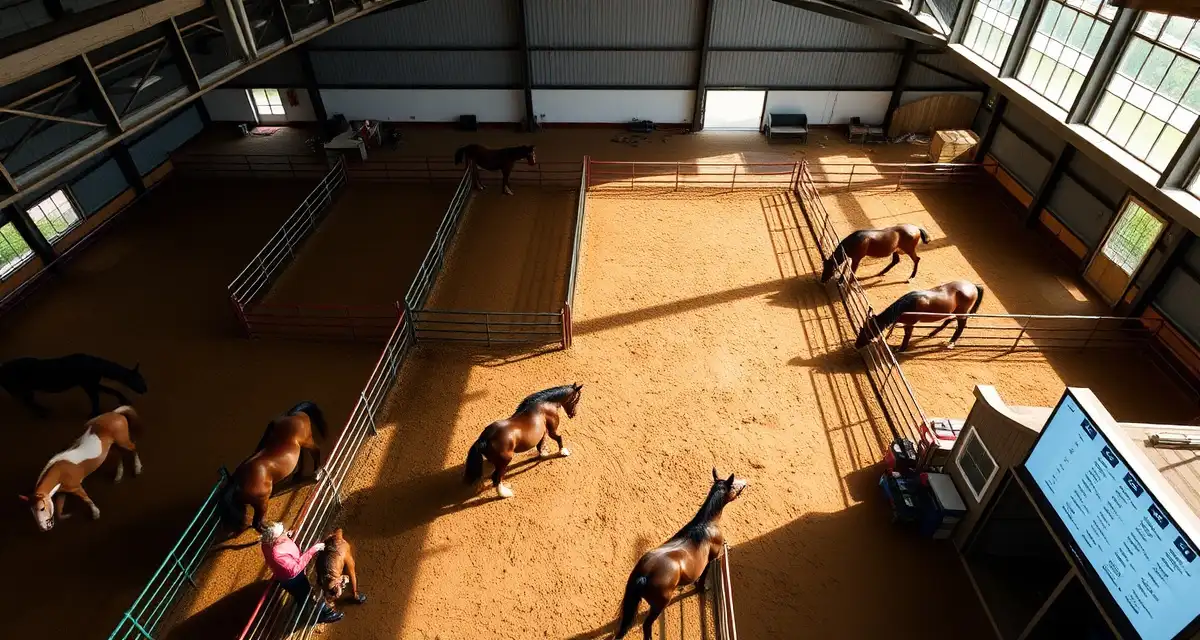
Horse Turnout Schedule Template for Boarding Barns
Turnout disputes are the number one source of conflict between barn managers and horse owners. According to industry surveys, 72% of boarding disputes involve disagreements about turnout records, who went out, when, with whom, and for how long. A reliable horse turnout schedule template eliminates that ambiguity before it becomes a problem.
TL;DR
- Turnout scheduling decisions should be documented with the reasoning to protect the facility in liability situations
- Horse compatibility assessments before group turnout prevent injuries and reduce herd management emergencies
- Pasture rotation schedules based on grass recovery periods reduce overgrazing and maintain forage quality year-round
- Turnout injuries are among the most common sources of liability claims at boarding facilities
- Written turnout protocols signed by owners at move-in establish consent and reduce disputes about field decisions
- Tracking turnout hours per horse per day supports health monitoring and helps identify horses spending excessive time stalled
This guide walks you through building a functional turnout schedule from scratch, covering daily rotation logic, AM/PM shift handoffs, special needs accommodations, and weather cancellation documentation.
Why Most Turnout Schedules Break Down
Paper schedules get wet, lost, or ignored. Whiteboard systems don't survive shift changes. spreadsheets work until someone forgets to save, or two staff members edit the same cell at the same time.
The core problem isn't the format, it's the lack of accountability. When a horse owner asks "Was my horse out yesterday afternoon?" you need a timestamped answer, not a best guess. That's the gap a structured template, backed by a logging system, is designed to close.
What Your Template Needs to Include
Before building the schedule, confirm your template captures these fields at minimum:
- Horse name and stall number
- Assigned paddock or pasture
- Compatible turnout partners (and known incompatibilities)
- AM/PM slot designation
- Actual out time and in time
- Staff ID of the person who turned out and brought in
- Special needs flags (medical, dietary, behavioral)
- Weather cancellation or modification notes
Missing even one of these fields creates gaps that are hard to reconstruct after the fact.
Step 1: Inventory Your Horses and Paddocks
Map Your Available Space
List every paddock, pasture, and dry lot by name or number. Note the square footage, fencing type, and maximum safe occupancy. A 1-acre paddock can typically support 2-3 horses safely, but that depends on footing, shelter, and individual horse temperament.
Create a simple grid: paddocks across the top, time slots down the side. This becomes the skeleton of your rotation.
Categorize Each Horse
Sort horses into groups before assigning slots. Common categories include:
- Solo turnout only (aggressive, recovering from injury, owner preference)
- Pair compatible (known safe pairings)
- Small group (3-4 horses, established herd dynamics)
- Special needs (limited time, no wet footing, post-surgical restrictions)
Document these categories in a master horse profile sheet that feeds into the daily schedule.
Step 2: Build the AM/PM Rotation Logic
Assign Primary Slots First
Start with horses that have fixed requirements. A horse on stall rest with 30-minute hand-walking only goes in a different column than a horse with unrestricted pasture time. Horses with veterinary restrictions should be scheduled first so their needs don't get squeezed by general population logistics.
Fill AM slots (typically 7:00 AM to 12:00 PM) with horses that need early turnout for medical or management reasons. Fill PM slots (12:00 PM to 5:00 PM or later) with the remaining horses, balancing paddock load across both shifts.
Build In Buffer Time
Allow 15-20 minutes between turnout groups using the same paddock. This gives staff time to check footing, pick up manure, and confirm the next group is ready. Skipping buffer time is how horses end up waiting in the aisle or getting rushed through gates.
For a barn with 30 horses and 8 paddocks, a realistic AM rotation handles 12-15 horses across 4-hour windows. The remaining horses rotate through PM slots. Document this math in your template header so any staff member can reconstruct the logic without asking.
Step 3: Document Special Needs and Compatibility Rules
Special Needs Flags
Create a color-coded or symbol-based flag system on your template. Common flags include:
- M = Medical restriction (attach vet note)
- D = Dietary restriction (no grass, limited time on pasture)
- B = Behavioral flag (known kicker, fence-walker, escape risk)
- O = Owner-specified preference (solo only, specific paddock)
These flags should appear next to the horse's name on every daily schedule, not buried in a separate document. Staff shouldn't have to cross-reference three sheets to know that a horse can't go on wet grass.
Compatibility Pairs and Conflicts
Maintain a running compatibility list. For each horse, document confirmed safe partners and known conflicts. Update this list any time an incident occurs. A horse that was fine with a paddock mate last month may not be safe with them after a herd dynamic shift.
Your turnout rotation system should make these compatibility notes visible at the point of assignment, not after the fact.
Step 4: Create the Daily Schedule Sheet
Template Structure
Your daily schedule sheet should include:
| Time Slot | Paddock | Horse(s) | Staff | Out Time | In Time | Notes |
|-----------|---------|----------|-------|----------|---------|-------|
| AM | P1 | Bella, Scout | JT | 7:15 | 11:45 | |
| AM | P2 | Duke (solo) | JT | 7:30 | 11:30 | M-flag, 4hr max |
| PM | P1 | Ranger, Moxie | SR | 12:15 | 4:30 | |
| PM | P3 | Cleo | SR | 12:00 | 4:00 | D-flag, no grass |
Every row gets filled in real time, not at the end of the shift. Out time and in time are logged when the horse actually moves, not estimated later.
Weather Cancellation Protocol
Add a weather section at the top of each daily sheet. Define your barn's cancellation thresholds in advance: lightning within 10 miles, sustained winds above 35 mph, ice on paddock footing. When a cancellation occurs, the staff member notes the reason, the time the decision was made, and their initials.
This documentation protects you when a horse owner asks why their horse didn't go out. "Weather cancellation, 9:15 AM, ice on P2 and P3 footing, confirmed by JT" is a complete answer. "It was icy" is not.
Step 5: Manage Shift Handoffs
The Handoff Checklist
Shift changes are where turnout records fall apart. The outgoing staff member should confirm:
- Which horses are currently out and in which paddock
- Estimated in-time for each group still outside
- Any incidents that occurred during the shift
- Weather or footing changes that affect the PM schedule
This handoff should be documented, not just verbal. A simple sign-off line at the bottom of the AM schedule sheet works. The incoming staff member initials that they received the handoff and reviewed the current status.
Pairing your turnout schedule with a barn daily checklist ensures nothing gets missed during these transitions.
Common Mistakes to Avoid
Logging times after the fact. Reconstructed times are estimates. If a dispute arises, estimated times won't hold up. Log in real time, every time.
Skipping the compatibility check. Paddock assignments change when horses move barns, recover from injury, or experience herd dynamic shifts. Review compatibility pairings monthly, not just at intake.
Using one master sheet for the whole week. A weekly overview is useful for planning, but daily execution needs a single-day sheet with room for real-time notes. Cramming seven days onto one page means no space for the details that matter.
No weather documentation. Undocumented cancellations are the second most common source of turnout disputes. If it didn't get written down, it didn't happen, at least not in a way you can prove.
FAQ
How do I create a turnout rotation for 30+ horses?
Start by grouping horses into compatibility clusters and categorizing them by turnout type (solo, pair, group). Map your available paddocks against your time windows and fill fixed-requirement horses first. For 30+ horses, you'll likely need a two-shift system with 4-6 paddocks running simultaneously. A structured equine turnout rotation form with pre-assigned slots reduces daily decision-making and prevents scheduling conflicts from compounding across shifts.
How do I track paddock assignments across shifts?
Use a physical or digital handoff log that requires the outgoing staff member to document every horse currently outside, their paddock location, and estimated in-time. The incoming staff member should initial the log to confirm receipt. Digital systems that timestamp entries by staff ID create an automatic audit trail, which is significantly more reliable than verbal handoffs or end-of-day reconstruction.
What factors affect horse turnout compatibility?
The primary factors are herd rank, sex, age, size, and prior history between specific horses. Secondary factors include health status (a horse recovering from injury shouldn't be paired with a high-energy companion), forage competition behavior, and fence manners. Compatibility can change over time, particularly after a new horse joins the herd or after a prolonged stall rest period. Review pairings after any significant change in a horse's management or health status.
How does BarnBeacon compare to spreadsheets for barn management?
Spreadsheets require manual updates, lack real-time notifications, and create version control problems when multiple staff members are working from different files. BarnBeacon centralizes records, pushes alerts automatically based on logged events, and connects care records to billing and owner communication in one system. Most facilities report saving several hours per week after switching from spreadsheets.
What is the setup process like for BarnBeacon?
Most facilities complete the initial setup in under a week. Horse profiles, service templates, and billing configurations can be imported from existing records or entered directly. BarnBeacon's US-based support team is available to assist with setup, and most managers are running their first billing cycle through the platform within days of starting.
Can BarnBeacon support a barn with multiple staff members?
Yes. BarnBeacon supports multiple user accounts with role-based access, so barn managers, barn staff, and owners each see the information relevant to their role. Task assignments, completion logs, and communication history are all attached to the barn's account rather than to individual staff phones or email addresses.
What is Horse Turnout Schedule Template for Boarding Barns?
A horse turnout schedule template for boarding barns is a structured documentation tool that tracks which horses go out, when, with whom, and for how long each day. It includes daily rotation logic, AM/PM shift handoffs, weather cancellation records, and compatibility groupings. By standardizing turnout tracking, barn managers reduce disputes with horse owners, support health monitoring, and create liability protection when turnout decisions need to be explained or defended.
How much does Horse Turnout Schedule Template for Boarding Barns cost?
A horse turnout schedule template for boarding barns is typically free or low-cost. Basic templates are available as downloadable spreadsheets or PDF forms at no charge. More comprehensive barn management software that includes turnout scheduling alongside health records, billing, and communication tools generally ranges from $30 to $150 per month depending on barn size and feature set. Many platforms offer free trials, and simple paper or spreadsheet-based systems remain a practical zero-cost option for smaller facilities.
Sources
- American Association of Equine Practitioners (AAEP)
- United States Equestrian Federation (USEF)
- American Competitive Trail Horse Association (ACTHA)
- American Horse Council
- Kentucky Equine Research
Get Started with BarnBeacon
Turnout decisions carry real liability, and documentation is the difference between a defensible record and an exposed facility. BarnBeacon gives equine facilities the tools to log turnout schedules, document compatibility assessments, and record any incidents with timestamps and staff identification. Start a free trial and build your turnout documentation system before you need it.