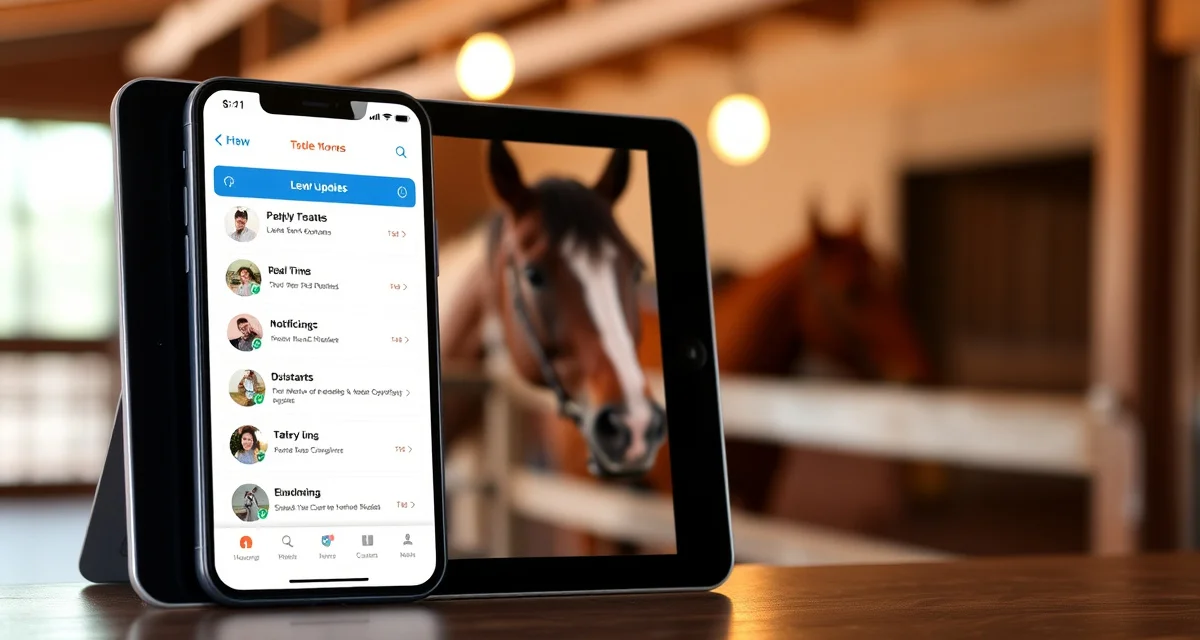
Owner Update Portal Mobile App: What Boarders Want
owner communication quality is the single biggest driver of boarding satisfaction, outranking facility cleanliness, turnout schedules, and even feed quality. Yet most barns still rely on group texts, email chains, or phone tag to keep owners informed. An owner portal mobile app changes that dynamic entirely.
TL;DR
- Purpose-built equine software outperforms adapted generic tools because it matches actual barn workflows from the start
- Mobile access lets barn staff log care observations from the aisle, feed room, or field without returning to an office
- Software that connects health records to billing to owner communication eliminates the re-entry steps that cause errors
- Free trial periods let facilities evaluate software against real operational needs before committing to a subscription
- Flat monthly pricing without per-horse fees keeps costs predictable as a facility's horse count changes
- US-based support matters for equine software because American barn practices differ from international defaults
BarnBeacon automates daily reports, photo sharing, and health alerts so owners get consistent, structured updates without your staff spending hours on the phone. Here is exactly how to set it up and what your boarders actually want to see.
Why Email and Group Texts Are Failing Your Boarders
When an owner texts "how's my horse?" at 9 PM, someone on your team has to respond. Multiply that by 20 boarders and you have a serious operational problem.
Group texts create noise. One owner's question becomes everyone's notification. Email threads get buried. Neither format gives owners a reliable, on-demand view of their horse's status, which is what they actually want.
The result is anxiety on the owner's side and burnout on yours.
How to Set Up an Owner Update Portal Mobile App That Boarders Actually Use
Step 1: Choose a Platform Built for Equine Boarding
Generic messaging apps and farm management tools built for livestock operations do not map well to horse boarding. Look for a platform designed specifically for the equine boarding context, one that handles individual horse profiles, health records, and owner-specific permissions.
BarnBeacon's owner communication portal is built around the horse as the central record, not the owner's inbox. Every update, photo, and alert ties back to a specific animal.
Key features to confirm before committing to any platform:
- Push notifications (not just email)
- Per-horse photo and video sharing
- Integrated billing and invoice access
- Vet and farrier record storage
- Direct one-to-one messaging between staff and owner
Step 2: Build Out Each Horse's Profile Before Inviting Owners
Do not invite owners to an empty system. Before you send a single login link, populate each horse's profile with current information.
This means uploading the current Coggins, vaccination records, farrier schedule, and any active vet notes. Add a recent photo. Set the feeding and turnout details. Owners who log in for the first time and see a complete, accurate profile trust the system immediately.
Owners who log in to a blank profile assume the app is just another tool that will go unused in two weeks.
Step 3: Configure Daily Report Templates
The daily report is the core of any equine boarding owner mobile app. It should take your barn staff two minutes to complete per horse and give the owner a clear picture of how their animal is doing.
A solid daily report template includes:
- Eating and drinking status (ate well, left feed, drank normally)
- Turnout time and conditions
- Attitude and behavior notes
- Any physical observations (minor scrapes, swelling, attitude changes)
- One photo minimum
BarnBeacon lets you build these templates once and push them to all horses on a schedule. Staff tap through a checklist rather than writing free-form notes, which keeps reports consistent and fast.
Step 4: Set Up Push Notification Rules
Push notifications are what separate a mobile app from a web portal that nobody checks. Owners want to be notified, not required to remember to log in.
Configure notifications for three categories:
Routine updates: Daily report published, new photo added, invoice ready. These can batch into a single daily notification rather than pinging owners multiple times.
Time-sensitive alerts: Vet called, farrier visit completed, horse not eating, turnout canceled due to weather. These should push immediately.
Urgent alerts: Injury observed, colic symptoms, emergency vet on site. These should push immediately with a follow-up direct message from staff.
Getting this tiering right prevents notification fatigue. Owners who get too many low-priority pings start ignoring everything, including the urgent ones.
Step 5: Connect Billing to the Same App
Billing disputes are one of the most common sources of owner friction. When invoices live in a separate system, or worse, arrive as PDF attachments in email, owners lose track of what they owe and why.
Connecting your billing and invoicing to the same owner portal eliminates that friction. Owners can see their current balance, view itemized charges, and pay directly from the app.
This also reduces the number of "what's this charge for?" messages your office staff handles each month. When the invoice line item says "Farrier visit 04/12 - front shoes reset" instead of "farrier services," owners understand what they are paying for.
Step 6: Train Your Staff on the Workflow, Not Just the Software
The best owner update portal mobile app fails if your staff does not use it consistently. Training needs to cover the why, not just the how.
Staff need to understand that a two-minute daily report entry prevents a 15-minute phone call later. When an owner calls asking about their horse, the first thing staff should do is pull up the app and read the latest report back to them. That reinforces the system's value internally.
Set a barn-wide policy: all owner communication goes through the app. Direct texts and personal cell numbers for routine updates should stop. This protects your staff's personal time and creates a documented communication record.
Common Mistakes to Avoid
Skipping the onboarding call with owners. Sending a login link without a five-minute walkthrough results in low adoption. Schedule a brief call or send a short screen-recorded video showing owners where to find their horse's daily report, photos, and invoices.
Using the app inconsistently. If daily reports appear six days a week but go missing on Sundays, owners notice. Consistency builds trust. Inconsistency destroys it faster than no app at all.
Overloading reports with jargon. Write daily reports for a non-horsekeeper audience. "Horse was QAR with mild nasal discharge" means nothing to a pleasure rider who boards with you. "Seemed a little quiet today, had some clear nasal discharge, keeping an eye on it" communicates the same thing clearly.
Ignoring the photo feature. Photos are the single most-opened element in any owner update. A quick photo of a horse grazing in turnout takes 10 seconds and generates more goodwill than a paragraph of text.
FAQ
How do I improve communication with horse owners at my barn?
Start by moving away from ad-hoc texts and emails and toward a structured daily report system. An owner update portal mobile app gives every boarder a consistent, on-demand view of their horse without requiring your staff to field individual calls. Set clear expectations upfront: owners will receive a daily report and can message staff through the app during business hours.
What should I tell horse owners every day?
Cover the basics: eating, drinking, turnout, attitude, and any physical observations. One photo per day adds significant value. You do not need to write an essay. A five-point checklist completed consistently is worth more than a detailed narrative that only appears twice a week. If anything unusual happened, note it plainly and indicate what action was taken or is being monitored.
How do I handle a horse owner who demands too many updates?
First, make sure your daily report is actually meeting their needs. Owners who demand constant updates are usually anxious because they do not have reliable information. A consistent daily report with photos resolves most of this. For owners who still contact staff excessively after a good system is in place, set a clear communication policy in your boarding contract: updates are delivered daily through the app, and staff respond to direct messages within a defined window, such as 24 business hours.
How does BarnBeacon compare to spreadsheets for barn management?
Spreadsheets require manual updates, lack real-time notifications, and create version control problems when multiple staff members are working from different files. BarnBeacon centralizes records, pushes alerts automatically based on logged events, and connects care records to billing and owner communication in one system. Most facilities report saving several hours per week after switching from spreadsheets.
What is the setup process like for BarnBeacon?
Most facilities complete the initial setup in under a week. Horse profiles, service templates, and billing configurations can be imported from existing records or entered directly. BarnBeacon's US-based support team is available to assist with setup, and most managers are running their first billing cycle through the platform within days of starting.
Can BarnBeacon support a barn with multiple staff members?
Yes. BarnBeacon supports multiple user accounts with role-based access, so barn managers, barn staff, and owners each see the information relevant to their role. Task assignments, completion logs, and communication history are all attached to the barn's account rather than to individual staff phones or email addresses.
What is Owner Update Portal Mobile App: What Boarders Want?
An owner update portal mobile app is a purpose-built equine software tool that gives horse boarders real-time access to their horse's care information, health records, and daily updates directly from their smartphone. Instead of relying on group texts or phone calls, barn staff log observations from the aisle or field, and owners receive structured reports, photos, and health alerts automatically. BarnBeacon is one such platform designed specifically around American barn workflows and boarding communication needs.
How much does Owner Update Portal Mobile App: What Boarders Want cost?
BarnBeacon uses flat monthly pricing with no per-horse fees, keeping costs predictable as your facility's horse count changes. Many equine owner portal apps offer free trial periods so barns can evaluate the software against real operational needs before committing. Exact pricing varies by plan and feature set, so visiting BarnBeacon's website directly will give you current subscription options tailored to your barn's size and communication requirements.
Sources
- American Association of Equine Practitioners (AAEP)
- American Horse Council
- Kentucky Equine Research
- UC Davis Center for Equine Health
- American Horse Council Economic Impact Study
Get Started with BarnBeacon
The right software for a equine facility is the one that matches your actual daily workflows, not one you have to adapt around. BarnBeacon is built for US equine operations, with flat monthly pricing, mobile access for barn staff, and US-based support. Start a free trial and run your first billing cycle through the platform to see how it fits your operation.