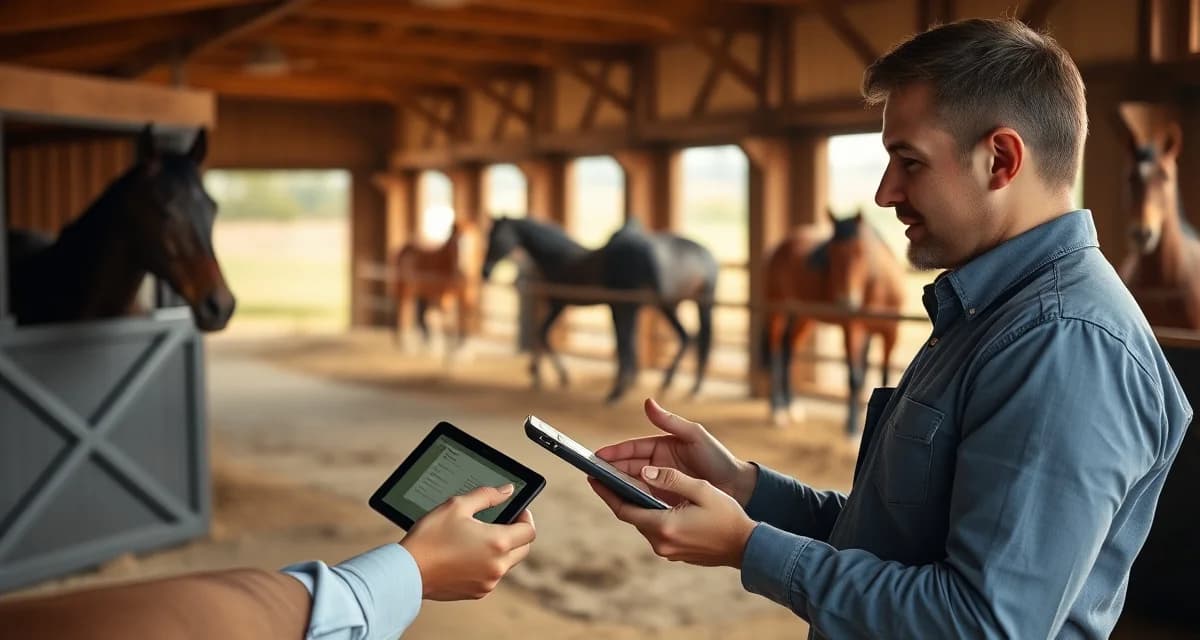
Trail Riding Barn Owner Communication: Communication and Updates
Trail-riding barn owner communication has a problem that generic barn management software ignores: trail barns operate differently from boarding or show facilities, and the updates horse owners expect reflect that difference. Trail riding disciplines have unique owner communication patterns not covered by generic barn software, from trail condition reports to group ride scheduling and terrain-specific health notes.
TL;DR
- Emergency protocols are only useful if they are written, posted, and reviewed with all staff before an emergency occurs.
- Contact sheets with vet, farrier, and owner information should be in every barn aisle and accessible from every phone.
- Incident documentation immediately after an event protects the facility legally and supports insurance claims.
- Evacuation routes for horses need to be practiced, not just posted: horses trained to load quickly during drills load faster in emergencies.
- Staff who have never seen a colic or lacerations make worse decisions than staff who have reviewed protocols in advance.
- BarnBeacon stores emergency contacts, health records, and Coggins documents accessibly from any device at any time.
If you manage a trail riding barn, you already know that a one-size-fits-all messaging template built for a hunter/jumper facility does not serve your owners well. This guide walks you through a practical, step-by-step system for communicating with trail horse owners, including the tools and templates that actually fit how your barn runs.
Why Trail Riding Barns Need a Different Communication Approach
Trail barns deal with variables that arena-based facilities rarely face. Weather changes trail conditions overnight. A horse that was sound on flat ground may show subtle lameness after a rocky ridge ride. Group ride logistics require coordinating multiple owners across shifting schedules.
Owners who board trail horses are often recreational riders with full-time jobs. They are not at the barn every day. They depend on you to be their eyes and ears in ways that differ significantly from a competitive show barn where owners are frequently on-site.
Step 1: Audit What Your Owners Actually Need to Know
Identify Trail-Specific Update Categories
Before you build any communication system, list the information types your owners ask about most. For trail barns, these typically fall into four buckets:
- Trail condition updates (footing, downed trees, water crossings, seasonal closures)
- Horse health and soundness notes specific to trail work (hoof wear, muscle soreness, tack fit)
- Group ride scheduling and cancellations
- Routine care confirmations (feeding, turnout, farrier, vet visits)
Write these down. This list becomes the backbone of your communication templates.
Ask Your Owners Directly
Send a short survey to your current boarders. Ask them: what do you wish you heard more about? What updates do you currently miss? Most owners will tell you exactly what they want, and the answers will shape every template you build.
Step 2: Choose the Right Communication Channel
Match the Channel to the Message Type
Not every update needs the same delivery method. A trail closure due to flooding is urgent and needs immediate push notification or text. A monthly farrier schedule update can go out by email. A post-ride health note belongs in a structured owner portal where it stays on record.
Using a single channel for everything, like a group text thread, creates noise and buries important information. Owners stop reading when every message competes for the same attention.
Use a Dedicated Owner Portal for Documented Updates
A structured owner communication portal keeps horse-specific records organized and searchable. When an owner asks "how did Ranger do on last Tuesday's ride?" you can pull the note in seconds rather than scrolling through a chat thread.
For trail barns specifically, portal entries should include fields for trail name or route, terrain type, distance covered, and any observations about the horse's movement or energy level. Generic barn software rarely includes these fields out of the box.
Step 3: Build Your Core Message Templates
Trail Condition Alert Template
Keep this short and scannable. Owners reading it on a phone during a lunch break need the key facts immediately.
> Trail Status Update - [Date]
> Trail: [Name]
> Status: Open / Closed / Limited Access
> Reason: [One sentence]
> Expected resolution: [Date or "TBD"]
> Questions? Reply here or call [number].
Post-Ride Horse Update Template
This is the update trail horse owners value most and receive least from generic systems.
> Ride Report - [Horse Name] - [Date]
> Route: [Trail name]
> Distance: [Miles]
> Duration: [Hours]
> Observations: [Movement, energy, attitude, any concerns]
> Tack/equipment notes: [Fit issues, rubs, etc.]
> Next scheduled ride: [Date or "TBD"]
Group Ride Cancellation Template
> Ride Cancellation - [Date]
> Scheduled ride: [Route name]
> Reason: [Weather / trail closure / staff availability]
> Rescheduled for: [Date] or "We will send a new date by [date]."
> Your horse's care is not affected. [Feeding / turnout] continues as normal.
Step 4: Set a Communication Cadence
Weekly and Event-Driven Updates
Trail barns benefit from a predictable rhythm. A weekly summary sent every Sunday evening covers routine care, upcoming ride schedules, and any trail condition changes from the past week. This single touchpoint reduces the volume of individual owner inquiries by giving owners a reliable time to expect information.
Event-driven messages go out as needed: trail closures, vet visits, weather cancellations, and any health concerns. These should never wait for the weekly summary.
Monthly Horse Health Reports
Once a month, send each owner a brief summary of their horse's condition, farrier status, and any observations from trail work. This is especially valuable for absentee owners who may only visit once or twice a month.
For a deeper look at how this fits into your overall barn workflow, see the full guide on trail riding barn operations.
Step 5: Use Software That Fits Trail Barn Workflows
What to Look for in a Trail Barn Communication Tool
Most barn management platforms were built with show barns or large boarding facilities in mind. When evaluating tools for trail-riding barn owner communication, look for:
- Customizable update fields (route, terrain, distance)
- Push notifications for urgent trail alerts
- Per-horse message history that owners can access anytime
- Group messaging for ride scheduling
- Mobile-friendly interface for owners who check updates on the go
BarnBeacon's owner portal adapts to trail riding barn workflows and reporting needs, including the ability to log ride-specific notes that stay attached to each horse's record. Owners get a clear view of their horse's activity without you fielding the same questions by phone every week.
Common Mistakes Trail Barn Managers Make
Using one group chat for everything. When urgent trail alerts mix with casual updates, owners tune out. Separate channels or a structured portal prevents this.
Skipping post-ride notes. Trail horse owners are paying for an experience they often cannot witness. A two-sentence ride report after each outing builds enormous trust and reduces anxiety-driven calls.
Waiting for owners to ask. Proactive communication prevents the "I had no idea" conversation after a health issue surfaces. If you noticed a horse was stiff after a long ride, document it and send the note the same day.
Using generic templates. A template that says "your horse had a good day" tells a trail horse owner nothing. Specifics about the route, terrain, and the horse's response are what actually matter.
Related Articles
- Trail Riding Barn Owner Communication: Daily Updates and Best Practices
- Trail Riding Barn Owner Communication: Health and Updates
FAQ
How do I communicate with trail riding horse owners?
Use a combination of a structured owner portal for documented, horse-specific updates and push notifications or text for urgent alerts like trail closures. Set a weekly summary cadence so owners know when to expect routine information, and send event-driven messages immediately when something time-sensitive happens. Avoid relying on group chats as your primary system.
What do trail riding owners want to know about their horses?
Trail horse owners primarily want post-ride reports that include the route, distance, and observations about their horse's movement, energy, and attitude. They also want timely trail condition updates, group ride schedules, and confirmation that routine care (feeding, farrier, vet) is happening as planned. Because many trail horse owners are not on-site daily, specific and consistent updates replace the visibility they would otherwise have in person.
What owner portal features matter for trail riding barns?
Look for customizable log fields that capture trail-specific data like route name, terrain type, and distance. Per-horse message history, mobile accessibility, and push notification capability for urgent alerts are essential. Generic portals built for show barns often lack these fields, which means trail barn managers end up adapting tools that were never designed for their workflow.
How often should staff review emergency protocols?
Emergency protocols should be reviewed with all staff at least twice per year, and with each new employee during onboarding. Physical drills for horse evacuation, even informal ones, build the muscle memory that makes actual emergencies less chaotic. A protocol that has never been practiced will not function as intended under stress. Documenting review dates and participants creates a record that supports the facility's insurance position.
What information should be in a barn emergency contact sheet?
The emergency contact sheet should include the primary veterinarian's number, the emergency or after-hours vet line, the farrier, the feed supplier for emergencies, each horse owner's name and emergency contact, the facility owner or manager's number, and the addresses and phone numbers of the nearest large animal vet clinic and equine hospital. This sheet should be posted in the barn aisle and saved digitally in a location accessible from every staff member's phone.
How should I document a horse injury incident at my facility?
Document the incident immediately: the time, the horse, the nature of the injury, how it was discovered, what was done in response, and who was notified. Photograph the injury before and after first aid. Note any environmental factors that may have contributed, such as fencing condition or footing. Notify the owner the same day, by phone before sending a written summary. This documentation is essential for insurance purposes and protects the facility if the owner later claims inadequate response.
What is Trail Riding Barn Owner Communication: Communication and Updates?
Trail Riding Barn Owner Communication refers to the specialized system of updates, alerts, and documentation that trail riding barn managers use to keep horse owners informed. Unlike boarding or show facilities, trail barns require unique communication touchpoints such as trail condition reports, group ride scheduling, terrain-specific health notes, and emergency protocols. BarnBeacon addresses this gap by providing tools designed specifically for trail barn operations, ensuring owners receive timely, relevant updates while staff can access emergency contacts and health records from any device.
How much does Trail Riding Barn Owner Communication: Communication and Updates cost?
BarnBeacon's pricing for trail riding barn communication and management tools varies based on facility size and feature requirements. For current subscription plans, trial options, and pricing details tailored to trail riding operations, visit the BarnBeacon website directly. Many barn managers find that centralizing emergency contacts, health records, Coggins documents, and owner communication in one accessible platform quickly offsets the cost through time savings and reduced liability exposure from better-documented incidents and emergency responses.
Sources
- American Association of Equine Practitioners (AAEP), equine emergency response guidelines
- American Red Cross, first aid training resources applicable to farm environments
- National Fire Protection Association (NFPA), fire safety standards for agricultural structures
- United States Department of Agriculture (USDA), livestock emergency preparedness resources
- American Horse Council, equine facility safety and emergency planning guidance
Get Started with BarnBeacon
BarnBeacon stores emergency contacts, health records, and Coggins documents in one place accessible from any phone at any time, so the information you need in an emergency is never locked in a binder in the office. Start a free 30-day trial to see how it fits your facility's safety protocols.